Lineups generated with the optimizer can be exported to a CSV format for DraftKings upload. The lineups in the exported CSV are slate-specific and will only be compatible for DraftKings contests of the same slate. Follow the steps below to download lineups in CSV format:
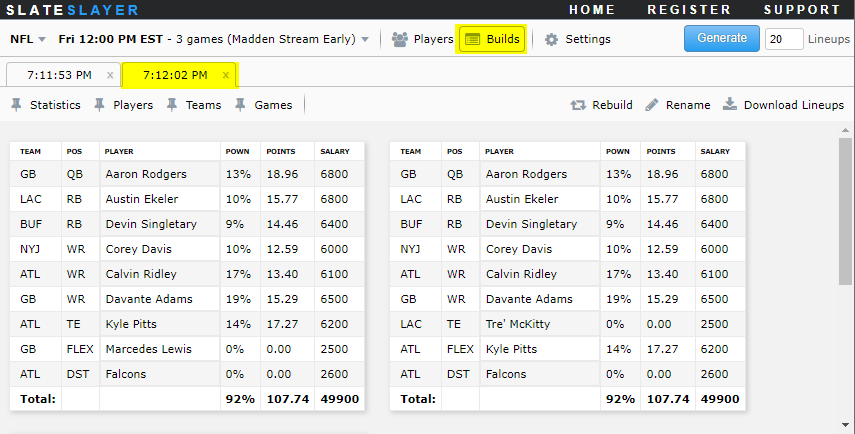
- Navigate to the Builds page and select the build tab that contains the lineups to export.
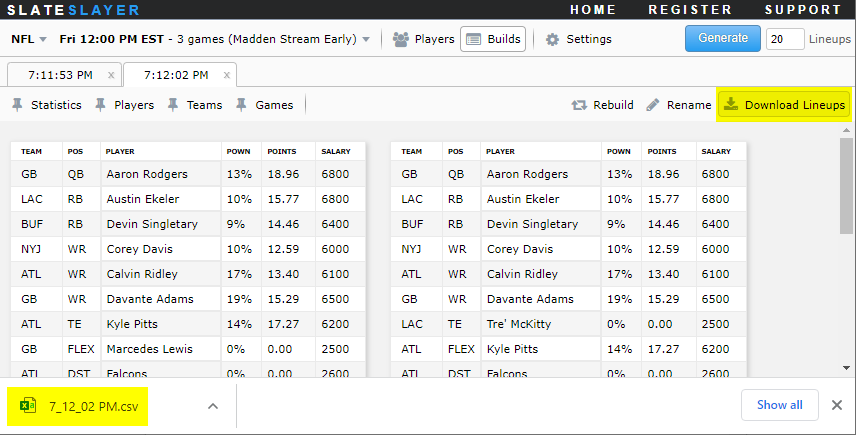
- Click Download Lineups in the upper right corner to download the CSV file to your local device. The downloaded CSV filename will be the same name as the build name that shows on the tab.
- Download the contest lineup template from DraftKings and paste in the exported CSV lineups into the DraftKings lineup template. Save the modified CSV and upload to DraftKings. Refer to the DraftKings support site for How to mass upload lineups.